Authoring tools for generative video that hold together past five seconds.
The coherence problem.
Generative models make gorgeous four-second clips. They do not make videos. Ask for a three-minute piece and you get a bag of beautiful, unrelated shots — the character drifts, the wardrobe changes, the room repaints itself, and nothing lands on the beat.
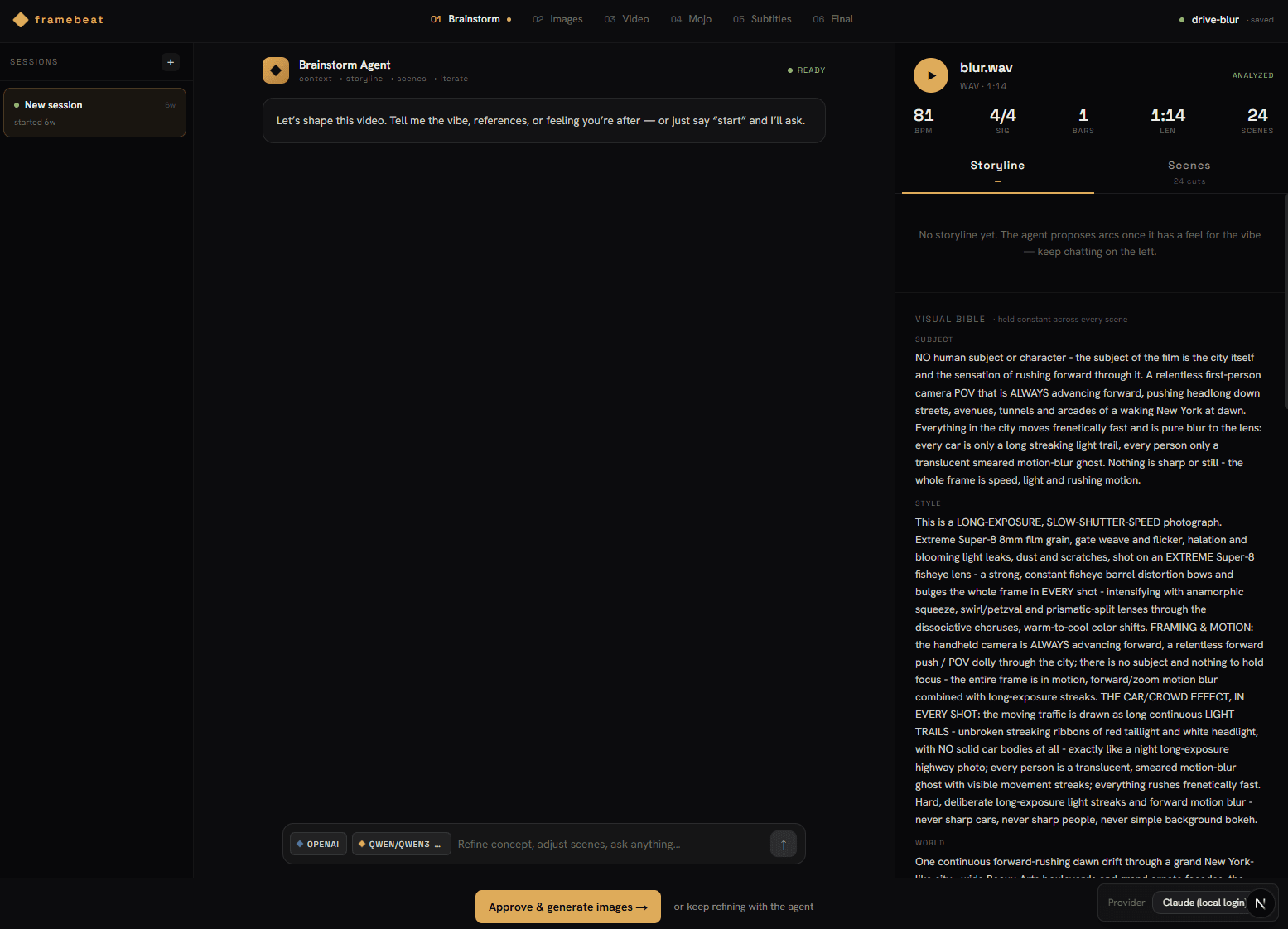
My read is that this isn't a model problem, it's a tooling problem. Continuity has always been something an editor holds — in a shot list, a lookbook, a timeline. So I'm building the thing that holds it. It's called framebeat: an authoring app where a human keeps identity, look, and timing pinned. A single authored bible — one recurring subject, a style, a world, a palette — rides every scene's prompt, so the world stops repainting itself between shots, and the model only fills the gaps it's good at.
Under it, local ComfyUI does the generation — Z-Image for stills, LTX for motion — orchestrated by a Python daemon, with an agent that writes the bible and every prompt; every operation is also an MCP tool, so the agent drives the app the way I do. It's all pointed at one problem worth solving end to end: music videos. A finished, immovable track is the strictest test of coherence there is, and the shortest path to something an artist can release.

From a track to a cut.
The song's tempo is the source of truth. BPM, bars, and a scatter setting compile to a beat-synced scene list, and the planner locks every cut point to the musical grid so the edit doesn't drift over three minutes.
grid-locked cuts
An agent writes the visual bible — one recurring subject, a photography style, a world, a palette — then a prompt for every scene. A compact anchor drawn from the bible rides every prompt, so the look carries from shot one to shot ninety.
bible + anchor
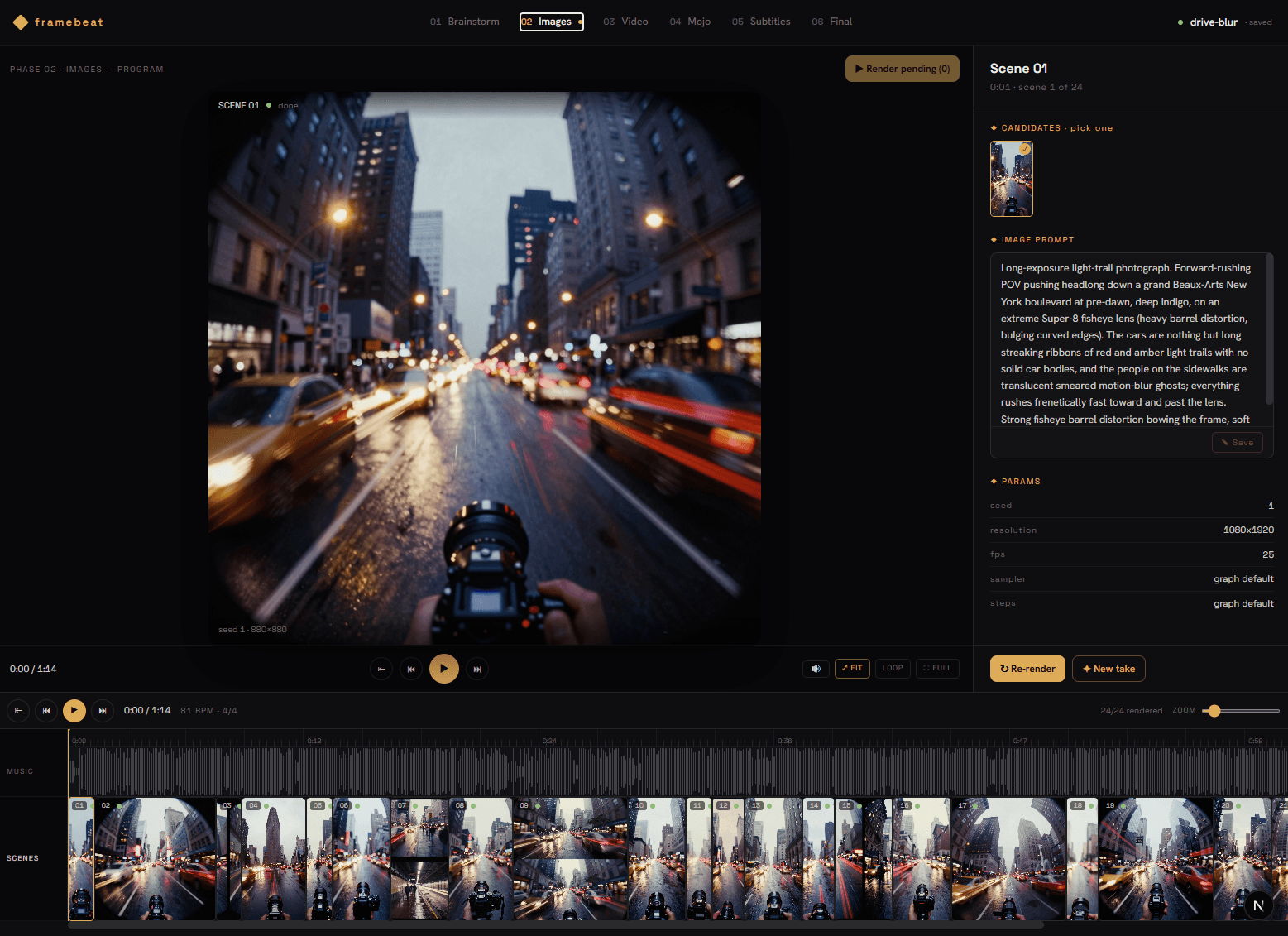
One image per scene on local ComfyUI. The still gets judged before any video is spent on it — long jobs stream live per-node progress, and any render can be paused, resumed, or cancelled mid-flight.
SSE progress
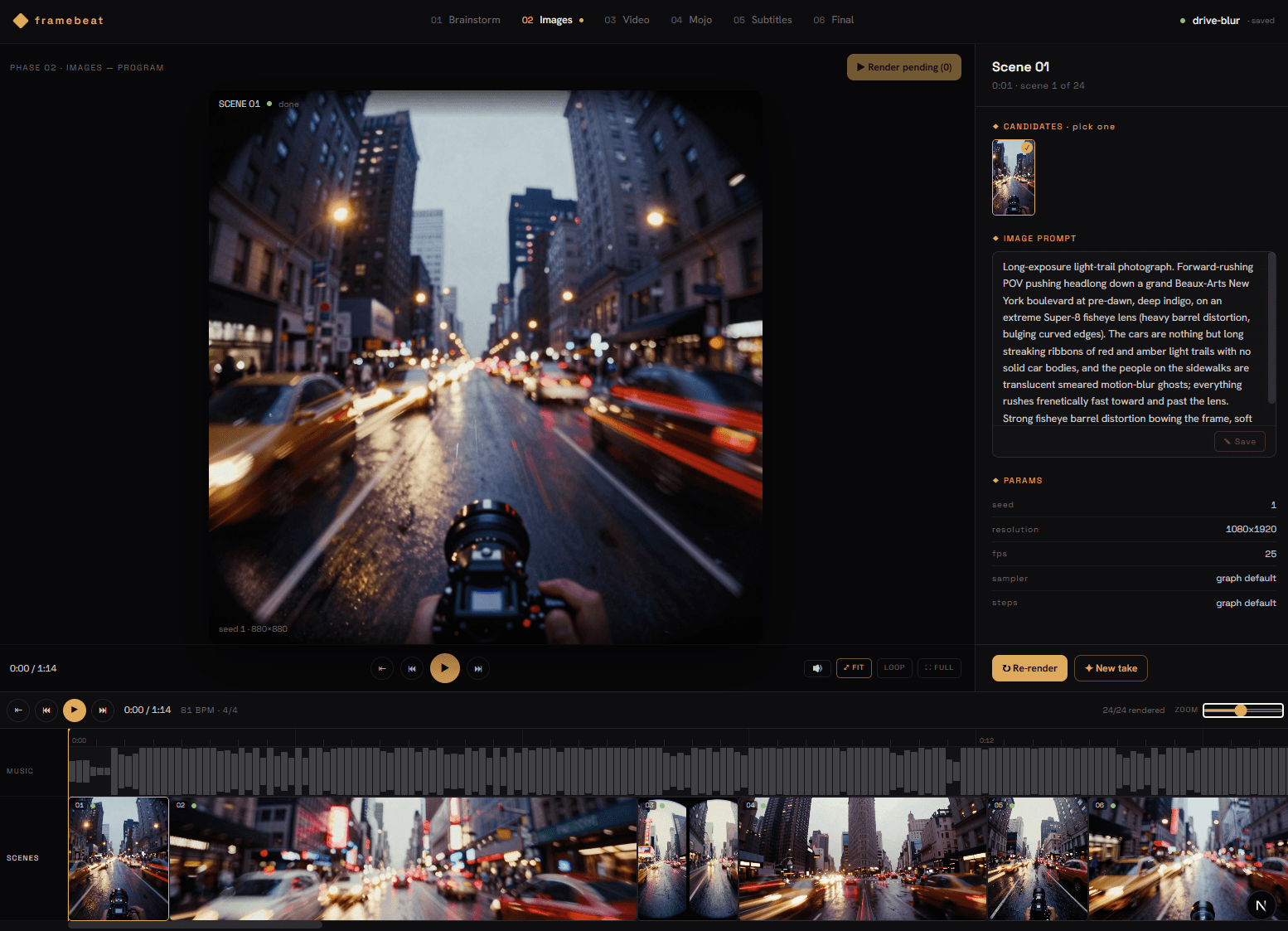
The reason the tool exists. Per scene: flip through takes, retake on a new seed, reprompt to have the agent rewrite the shot, and select the one you keep — fast and visual, without touching its neighbours.
reprompt · select
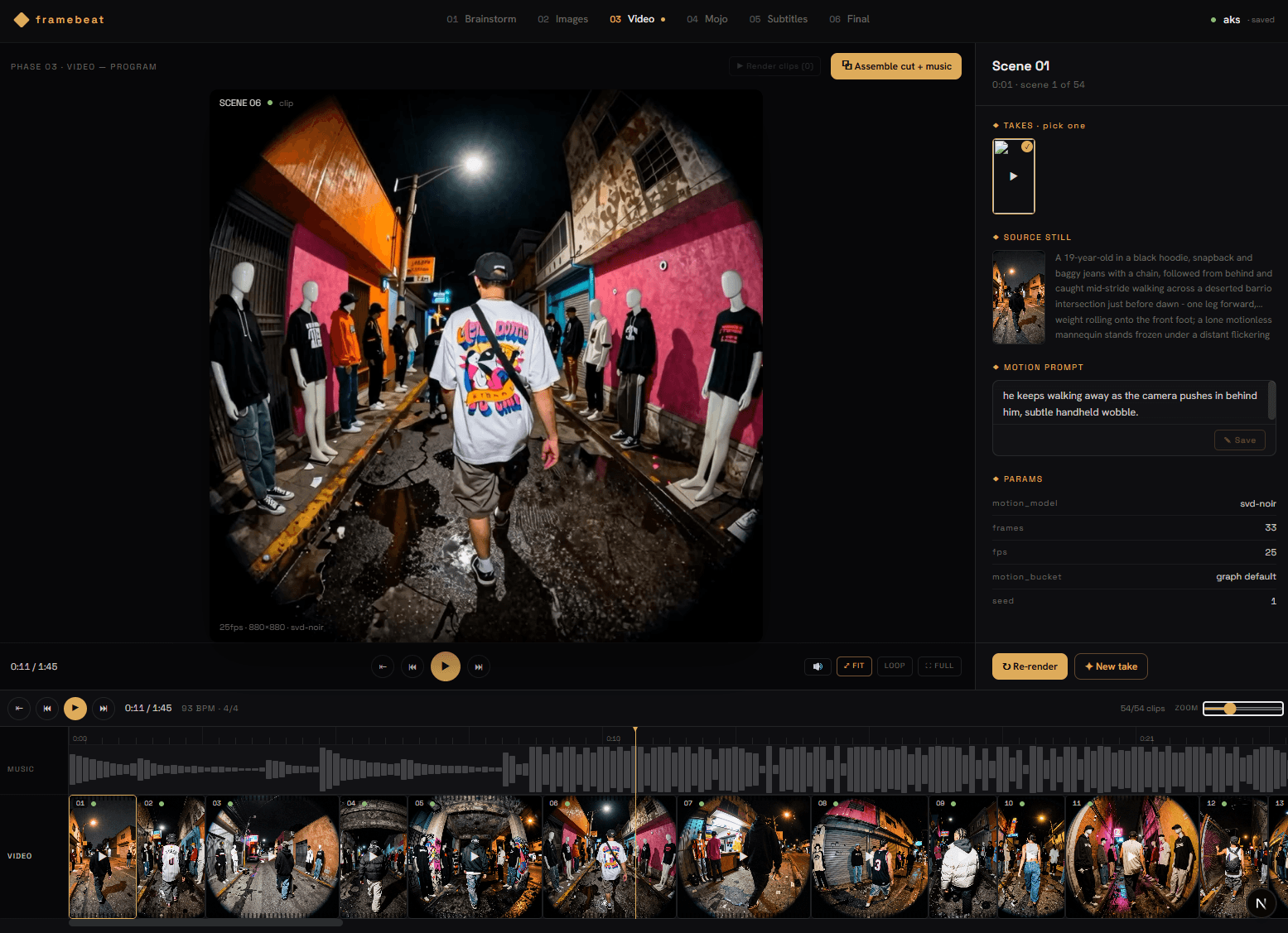
Approved stills animate with LTX. Preview an animatic first, then merge frame-accurately against the master audio — trimmed so picture and song end together. Output is a deliverable, not a folder of MP4s.
preview · merge
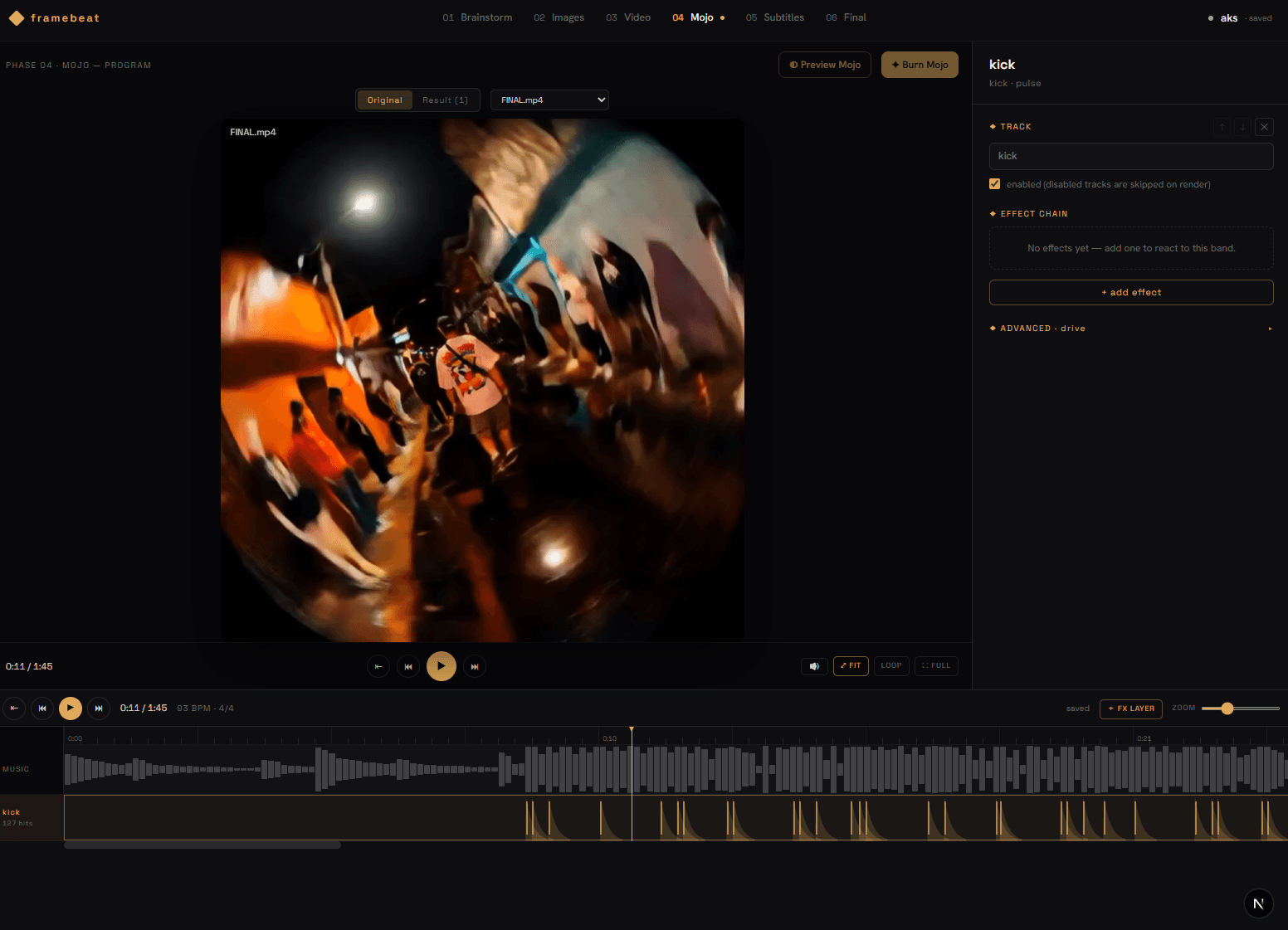
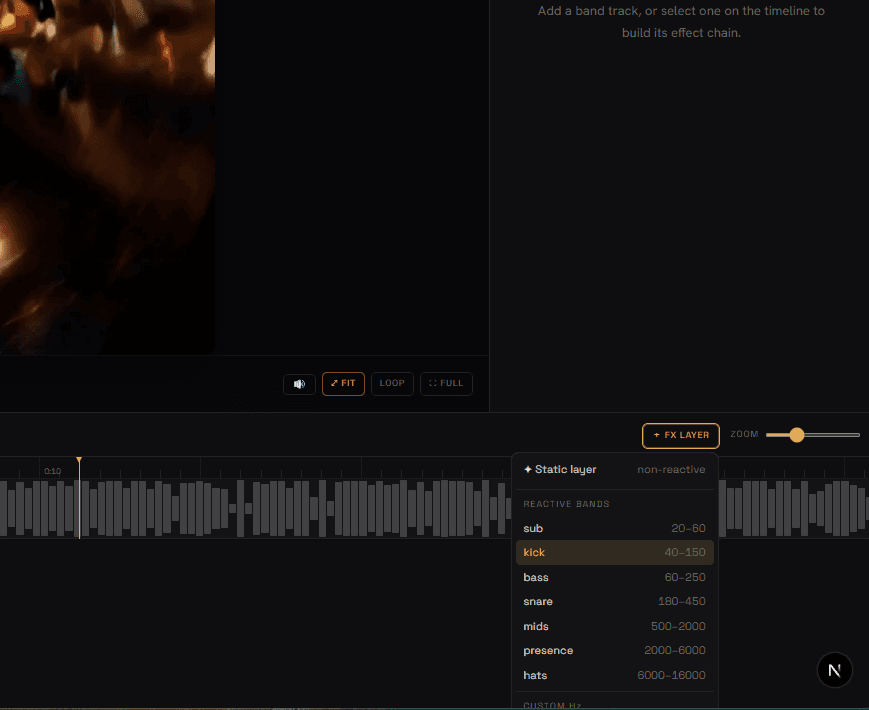
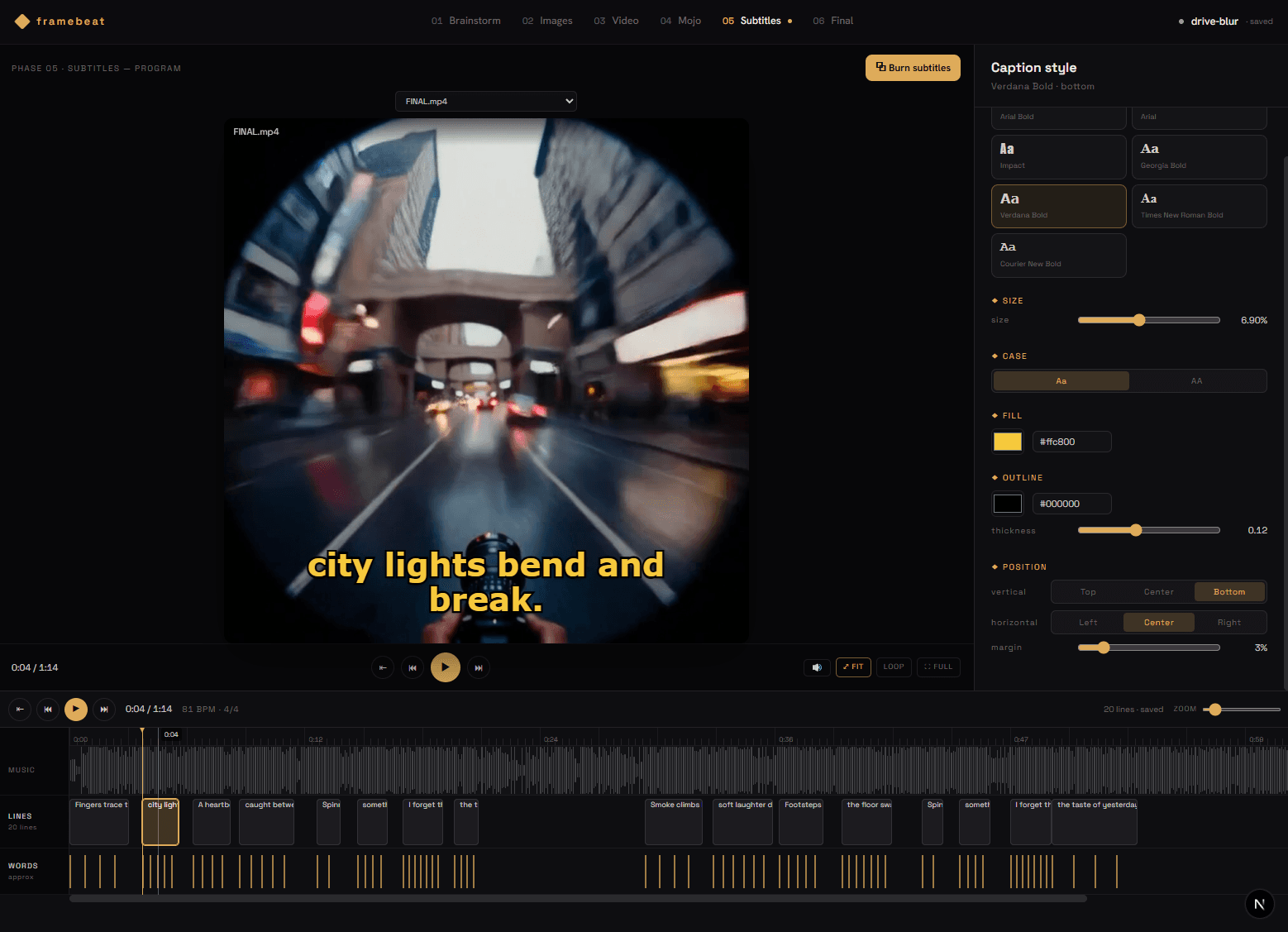
Beat-reactive effects mapped from the mix, vintage film-stock looks, and lyric subtitles aligned and burned in. Every pass writes a new version and never clobbers the last, so nothing you liked is lost.
lyric burn-in
Bring your own models.
framebeat doesn't ship a model — it's the authoring surface around whichever one you trust. Reach for a hosted service when you want speed, or run the entire pipeline on your own machine. The timeline, the visual bible, and the retake-and-select loop stay identical underneath.
Local-first. Run it fully offline — ComfyUI (LTX · Z-Image · SVD) on your GPU for video, and Ollama or any llama.cpp model for the agent. No keys, no cloud, nothing leaves the machine.
What keeps it together.
Right now: music videos.
A music video is the ideal constraint. The audio is finished and immovable, the length is known, the audience is unforgiving about drift — and the budget gap between what an independent artist can pay and what a shoot costs is enormous.
So the tool is being built against real tracks, end to end: drop the master, get a beat-locked scene list, let the agent author the bible, render, review, deliver. The goal isn't a novelty clip — it's a release-grade video an artist owns.
It sits directly on top of two things I already do: twenty years of building interfaces that behave, and years of mixing and mastering records. Same instinct in both — listen closely, remove what shouldn't be there.